Designing Ergonomic Office Spaces: A UK Business How-To Guide
🎯 Key Takeaway
Creating ergonomic office spaces involves designing a workplace that fits the user’s needs to improve efficiency and productivity while reducing discomfort and risk of injury, a legal requirement for UK businesses under DSE regulations.
• UK employers have a legal duty under the Health and Safety (Display Screen Equipment) Regulations 1992 to protect employees from risks associated with DSE work.
• Key furniture includes fully adjustable chairs, appropriate desks (including sit-stand options), and correctly positioned monitor arms, keyboards, and mice.
• Proper ergonomic design reduces absenteeism from musculoskeletal disorders (MSDs) and boosts staff morale and productivity.This guide provides a practical roadmap for UK businesses to plan, budget for, and implement a fully compliant and productive ergonomic office.
Creating a healthy office environment has become a primary concern for modern UK businesses, and for good reason. As of March 2026, the focus on employee well-being is more than just a trend; it’s a fundamental component of a successful and sustainable organisation. The design of ergonomic office spaces is not a luxury but a critical investment in your most valuable asset: your people. It directly impacts productivity, reduces absenteeism, and demonstrates a commitment to staff welfare. Also, it is a matter of legal compliance. This guide draws on our 35+ years of experience to provide a clear path through UK regulations, furniture selection, layout planning, and budgeting.
👤 Written by: Content Team
Reviewed by: Editorial Team, 35+ Years Experience; Rated Excellent On Trustpilot
Last updated: 15 March 2026
ℹ️ Transparency Disclosure: This article explores the principles of designing ergonomic office spaces based on UK Health and Safety Executive (HSE) guidelines and over 35 years of industry experience. Some links may connect to our services or products. All information is verified by our editorial team for accuracy. Cost Cutters UK is a trusted supplier for UK schools, businesses, and public sector organisations, and we are Rated Excellent On Trustpilot.
Understanding Your Legal Duties for Ergonomic Office Spaces
Yes, UK businesses have a clear legal obligation to ensure the health and safety of their employees who use computers. The primary legislation governing this is the Health and Safety (Display Screen Equipment) Regulations 1992, often referred to as the DSE regulations UK. These regulations apply to any employee who uses Display Screen Equipment (DSE) – such as PCs, laptops, or tablets – daily for an hour or more at a time.
An employer’s duties under these regulations are specific. You must:
- Analyse workstations: Perform a DSE risk assessment to evaluate and reduce any identified risks.
- Provide compliant equipment: Ensure workstations meet minimum ergonomic furniture requirements UK, including adjustable chairs and suitable desks.
- Offer training and information: Instruct employees on the risks and how to set up their workstation correctly.
- Plan for breaks: Encourage regular breaks or changes in activity away from the screen.
- Provide eye tests: Offer and pay for eye examinations if an employee requests one.
Compliance isn’t optional. The Health and Safety Executive (HSE), Britain’s national regulator for workplace health and safety, enforces these rules. Non-compliance can lead to enforcement action and, more importantly, contributes to higher rates of sickness absence. Data from the Office for National Statistics (ONS) consistently shows musculoskeletal problems are a leading cause of lost working days in the UK. Investing in compliant ergonomic office spaces is therefore a direct investment in your operational continuity. We are proud that our solutions adhere to the highest standards, as detailed in our UK safety and quality accreditations.
The Ultimate Ergonomic Furniture Checklist
A compliant and productive workstation is built from several core components that must work together. This section serves as a practical office ergonomics checklist to guide your procurement and setup process. Getting the furniture right is the foundation of effective ergonomic furniture requirements UK.
The Ergonomic Chair: Your First Priority
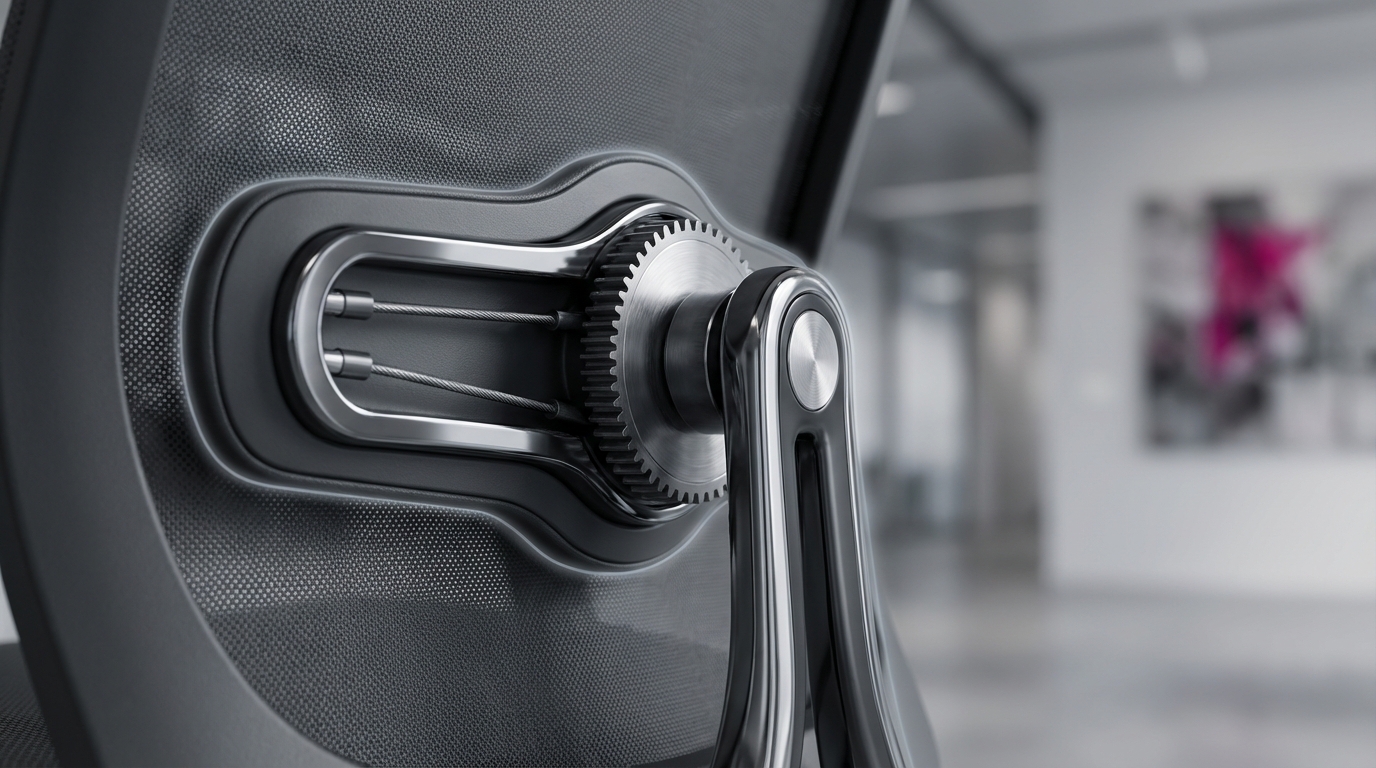
The chair is the most critical piece of ergonomic equipment. A truly ergonomic chair is not just about comfort; it’s about support and adjustability. Look for chairs that meet British Standards (BS) like BS EN 1335. Key features must include:
- Adjustable Seat Height: Allows the user’s feet to be flat on the floor with knees at a 90-degree angle.
- Adjustable Backrest: The angle and height should be adjustable to support the natural ‘S’ curve of the spine.
- Effective Lumbar Support: A crucial feature that can be adjusted for height and depth to fit the lower back perfectly.
- Adjustable Armrests: Should support the forearms at a comfortable height, taking strain off the shoulders.
Explore our full range of ergonomic office chairs to find options that meet these stringent requirements.
Desks and Surfaces: Fixed vs. Sit-Stand
The desk must provide adequate space and be at the correct height. Standard office desks in the UK are typically around 72-73cm high, which suits many but not all users. A key part of modern ergonomic office design UK is the integration of sit-stand desks. These desks, which adhere to standards like BS EN 527, allow users to alternate between sitting and standing. This simple change encourages movement, improves circulation, and can significantly reduce the health risks associated with a sedentary workday.
Monitors, Keyboards, and Mice
Learning how to set up an ergonomic workstation involves positioning equipment correctly.
- Monitors: The top of the screen should be at or just below eye level, and about an arm’s length away. Monitor arms are an excellent investment as they offer precise height and distance adjustment, which is especially useful for dual-screen setups.
- Keyboard: Position the keyboard so your forearms are parallel to the floor with straight wrists.
- Mouse: Keep the mouse close to the keyboard to avoid over-reaching. Consider an ergonomic or vertical mouse to reduce wrist strain.
- Accessories: Footrests can help shorter users achieve a correct posture, while document holders prevent neck strain from looking down at papers.
Designing for a Healthy Office Environment
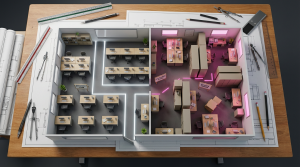
Excellent ergonomics extends beyond the individual desk. The wider workplace design plays a significant role in creating a healthy office environment that supports physical and mental well-being. Effective office space planning UK considers the entire ecosystem where your employees work.
First, consider Layout and Flow. A poorly planned office can feel cramped and stressful. Ensure there are clear, wide walkways and that each employee has sufficient personal space. A crowded layout not only increases stress but can also be a safety hazard. Good planning prevents staff from feeling ‘on display’ and provides a more comfortable atmosphere.
Second is Lighting. Poor lighting is a common cause of eye strain, headaches, and fatigue. The goal is to maximise natural light where possible and supplement it with high-quality, flicker-free artificial lighting. It’s also vital to control glare on screens. This can be achieved by positioning desks perpendicular to windows and using anti-glare screen filters or blinds. Individual task lighting gives employees control over their immediate environment.
Finally, don’t underestimate Breakout Areas. No one can be productive staring at a screen for eight hours straight. Creating dedicated spaces for breaks, lunch, and informal collaboration is essential. These areas encourage staff to step away from their desks, move around, and interact with colleagues. Providing comfortable modern and ergonomic breakout furniture signals that you value employee rest and social connection, which are key drivers of morale and creativity.
Budgeting for Ergonomic Office Spaces
You can strongly create effective ergonomic office spaces without an unlimited budget. The key is to view this as a long-term investment, not a short-term cost. The return on investment (ROI) comes from reduced sickness absence, higher productivity, and improved staff retention. A study by the UK’s Health and Safety Executive (HSE) has shown that work-related musculoskeletal disorders have significant costs for businesses. Therefore, proactive investment saves money.
We recommend a tiered approach to budgeting:
- Good (Entry-Level Compliant): This focuses on meeting the minimum DSE regulations UK. It includes a fully adjustable task chair and a fixed-height desk, plus accessories like monitor risers and footrests where needed. This is the essential baseline for legal compliance.
- Better (Enhanced Adjustability): This tier introduces more advanced chairs with greater adjustability and incorporates sit-stand desks for some or all employees. This approach offers significant health benefits by promoting movement.
- Best (Fully Agile Environment): This represents a top-tier investment in a dynamic workplace with a mix of high-performance sit-stand desks, premium ergonomic chairs, and a variety of breakout and collaborative zones.
At Cost Cutters UK, we make this investment manageable. We offer Bulk Buy Discounts for larger projects, and for public sector bodies, we provide options to open Credit Accounts Or Pay Flexibly. Our goal is to make a safe and productive workplace accessible to every organisation.
| Ergonomic Component | Entry-Level Compliant (Good) | Mid-Range (Better) | High-Performance (Best) |
|---|---|---|---|
| Ergonomic Chair | £120 – £200 | £200 – £400 | £400+ |
| Desk | £80 – £150 (Fixed) | £250 – £450 (Manual/Electric) | £450+ (Premium Electric) |
| Monitor Arm | £30 – £60 (Single) | £60 – £120 (Dual) | £120+ (Gas-Spring, Premium) |
| Keyboard & Mouse | £20 – £40 (Standard) | £50 – £90 (Ergonomic Set) | £90+ (Split/Mechanical Keyboard, Vertical Mouse) |
| Accessories (Footrest etc.) | £15 – £30 | £30 – £50 | £50+ |
| Approx. Per-Person Cost | ~£265 | ~£610 | ~£1,110+ |
##### Hypothetical Case Study: A Midlands-Based Tech Firm
Challenge: A 75-person tech firm was experiencing high levels of reported back and neck pain, contributing to an average of 4 sick days per employee annually due to musculoskeletal issues, costing them an estimated £45,000 per year in lost productivity.
Solution: We implemented a phased rollout of mid-range ergonomic solutions. This included new BS EN 1335 compliant chairs for all staff and 25 electric sit-stand desks for the development team, who spent the most time at their screens. We also conducted workstation setup training.
Results: Within 12 months, reported musculoskeletal sick days fell by 60%. The firm calculated an ROI in just under 14 months and saw a measurable uplift in staff satisfaction surveys.
Key Insight: A phased, targeted approach allowed the company to manage costs effectively while addressing the highest-risk employees first, proving the business case for further investment.
Frequently Asked Questions About Ergonomic Office Spaces
What are ergonomic office spaces?
Ergonomic office spaces are workplaces designed and arranged to fit the employee’s physical needs, maximising productivity and comfort while minimising the risk of musculoskeletal injury. This includes the furniture, equipment, and overall layout. Proper ergonomic design is a key part of an employer’s health and safety responsibility in the UK, ensuring a safe and efficient working environment for all staff.
What do the DSE regulations UK require?
The DSE Regulations 1992 require UK employers to perform a DSE workstation assessment for all users, reduce identified risks, provide adjustable furniture, and ensure breaks from screen time. They must also offer eye tests upon request. These regulations are mandatory and aim to protect employees from the health risks, such as eye strain and musculoskeletal disorders, associated with prolonged computer use.
What makes an office chair ‘ergonomic’?
An ergonomic chair must have several adjustable features to fit the user, including seat height, backrest angle, and dedicated lumbar support to maintain the natural curve of the spine. Many also include adjustable armrests and seat depth to ensure thighs are properly supported. These features work together to ensure the user can maintain a healthy, neutral posture throughout the working day, reducing strain significantly.
Are sit-stand desks really better?
Yes, sit-stand desks are considered better for health because they encourage movement and variation in posture, which is crucial for well-being. Alternating between sitting and standing can reduce the risks associated with a sedentary workday, such as back pain, poor circulation, and metabolic issues. They are a key component of a modern, dynamic, and healthy office environment that prioritises employee health.
How much does an ergonomic workstation cost?
A basic, fully compliant ergonomic workstation can be assembled for approximately £250-£400 per person, including a chair, desk, and basic accessories. More advanced setups with electric sit-stand desks and dual monitor arms can cost £550 or more. Purchasing through our Bulk Buy Discounts can significantly reduce this per-unit cost for larger fit-outs.
How do I perform a DSE risk assessment?
A DSE assessment typically involves using a checklist to evaluate an employee’s workstation, including their chair, screen, keyboard, and environment. Many organisations use a self-assessment form for employees to complete initially, which is then reviewed by a manager or competent person. The goal is to identify and fix any issues that could cause harm. We can provide guidance and templates for this process.
What are the main benefits of an ergonomic office?
The primary benefits are improved employee health and well-being, leading to reduced absenteeism from musculoskeletal issues and higher morale. A well-designed ergonomic office also boosts productivity and focus, as staff feel valued and are more comfortable. Also, it ensures your business is fully compliant with UK health and safety law, mitigating legal and financial risks.
Does office lighting affect ergonomics?
Yes, lighting is a critical, often overlooked, part of office ergonomics that directly impacts vision and posture. Poor lighting, glare on screens, or flicker can cause eye strain, headaches, and fatigue. An ergonomic lighting setup uses a combination of natural light, adjustable task lighting, and anti-glare screens to ensure visual comfort and prevent posture problems caused by leaning in to see.
Can I make my existing office more ergonomic?
Yes, you can make significant improvements without a full refurbishment by focusing on high-impact, low-cost changes. Start by providing accessories like monitor stands or arms, footrests, and ergonomic mice. Training staff on how to adjust their existing chairs and set up their desks correctly is also a highly effective first step. Even small, incremental changes can make a big difference to employee comfort.
How can Costcutters UK help with office space planning?
Costcutters UK offers a free, no-obligation space planning and design service to help you visualise and create your effective workspace. Our experts can create a 2D or 3D plan for your ergonomic office spaces, ensuring optimal layout, compliance with regulations, and furniture choices that fit your budget. We believe in a “Design To Install We Do It All!” approach, Saving Time & Stress for our clients.
Important Considerations and Next Steps
While this guide provides a comprehensive overview, remember that every organisation and employee is unique. The effective ergonomic setup can vary based on individual physical needs, job roles, and existing health conditions. A one-size-fits-all office ergonomics checklist may not address specialised requirements, particularly for employees with pre-existing disabilities or injuries, where a more personalised assessment is necessary.
Beyond individual workstations, consider alternative approaches like Activity-Based Working (ABW). ABW is a work style where employees choose from a variety of settings (e.g., quiet zones, collaborative hubs, informal lounges) based on their task. This promotes movement and can cater to different work styles. However, this requires careful planning and a cultural shift, and may not be suitable for all business types.
For complex projects, large-scale refurbishments, or if you have employees with specific medical needs, we recommend a professional consultation. An occupational health specialist or an experienced furniture supplier like Costcutters UK can provide tailored advice, conduct in-depth assessments, and ensure your investment fully meets both legal requirements and employee needs. This expert guidance helps you avoid costly mistakes.
Partner with Us for Your effective Ergonomic Office
Ultimately, investing in ergonomic office spaces is a powerful strategy for any UK business focused on long-term success. By prioritising employee well-being, you not only meet your legal obligations under DSE regulations UK but also cultivate a more productive, positive, and resilient workforce. Following a structured approach for furniture, layout, and lighting ensures you create a truly healthy office environment.
Navigating the complexities of office space planning UK can be daunting. With over 35 years of experience, Costcutters UK simplifies the entire process. From expert advice and free space planning to delivery and installation, we are your trusted partner. Let us help you design a space that works for your people and your budget. Book your free, no-obligation space planning consultation today.
References
- Health and Safety Executive (HSE) – UK Government Guidance. Provides the official guidance and legal framework for the Health and Safety (Display Screen Equipment) Regulations 1992.
- Office for National Statistics (ONS) – National Survey Data. Publishes data on sickness absence in the UK labour market, including days lost to musculoskeletal problems.
- British Standards Institution (BSI) – Standards Body. Defines the safety and performance standards for office furniture, such as BS EN 527 (desks) and BS EN 1335 (chairs).
- Posturite – Ergonomics Specialists. Offers expert advice, DSE assessments, and a wide range of ergonomic products in the UK.
- Chartered Institute of Ergonomics and Human Factors (CIEHF) – Professional Body. Provides resources and guidance on best practices in ergonomics and human factors.
- Forbes – Business Publication. Regularly reviews and provides data on business products, including ergonomic furniture, offering a market perspective on ROI.
Frequently Asked Questions About Ergonomic Office Spaces
What are ergonomic office spaces?
Ergonomic office spaces are workplaces designed and arranged to fit the employee’s physical needs, maximising productivity and comfort while minimising the risk of musculoskeletal injury. This includes the furniture, equipment, and overall layout of the workspace. Proper ergonomic design is a key part of an employer’s health and safety responsibility in the UK and is crucial for creating a healthy office environment.
What do the DSE regulations UK require?
The DSE Regulations 1992 require UK employers to perform a DSE workstation assessment for all users, reduce identified risks, provide adjustable furniture, and ensure breaks from screen time. Employers must also provide information and training on safe DSE use and offer eye tests upon request. These regulations are mandatory and aim to protect employees from the health risks of